

Ask an AI assistant whether your team should move a system to a managed service, and within a minute you’ll have a tidy answer: benefits, risks, a recommendation. It will sound confident. It may even be right.
The question is how you’d know.
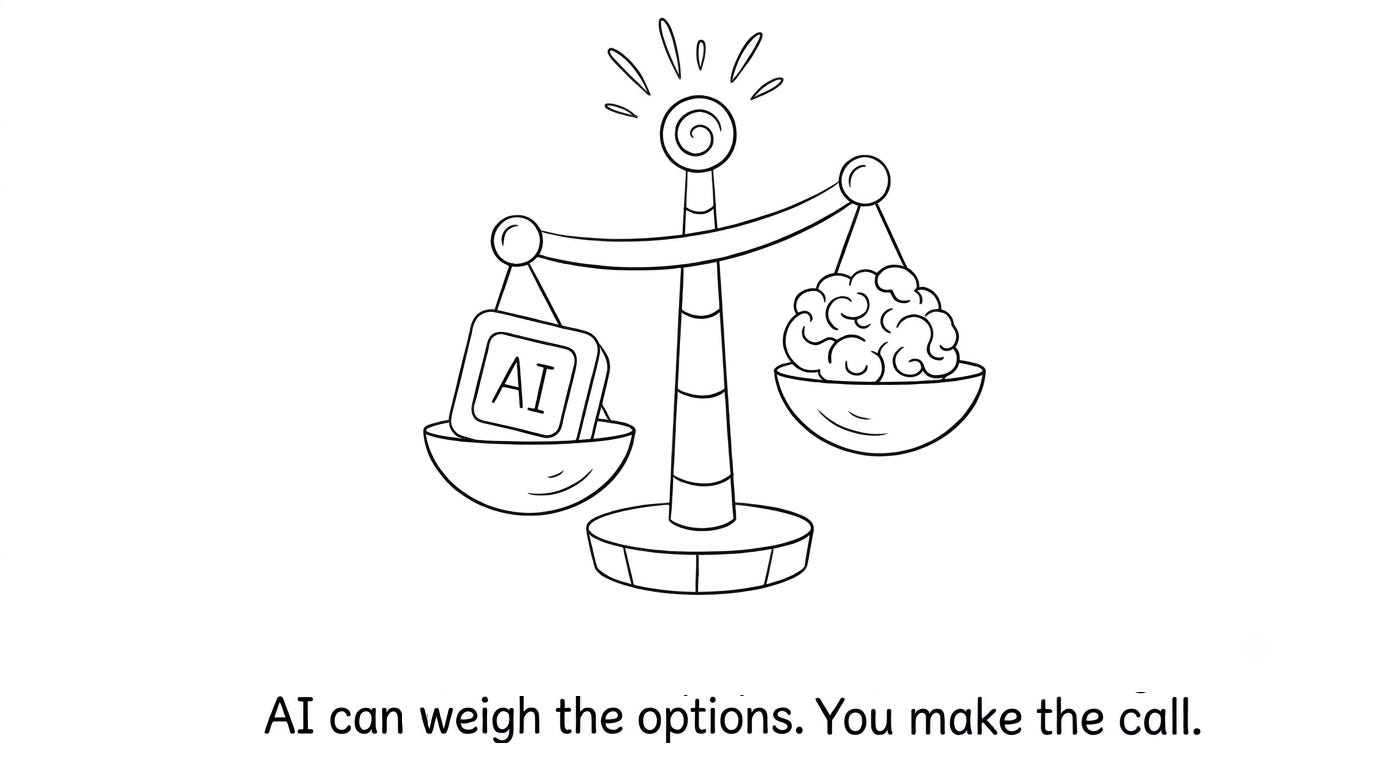
That’s where critical thinking comes in: the habit of asking what an answer is based on, what it assumes, and what it leaves out before you rely on it. Decision-making is the step after that: choosing what to do when the information is incomplete and the trade-offs are real, and owning the result. Both skills were always part of good work.
AI hasn't replaced the need for critical thinking and decision-making. It has made these skills easier to skip and more costly to ignore.
To understand why these skills matter more now, it helps to look at what AI has actually changed about the way we work.
What AI changed, and what it didn’t
Before AI tools, thinking was built into the effort of finding things out. You chose your sources, noticed when they disagreed, and built analyses by hand, so you knew every assumption because you made it yourself. The hard part was getting enough information to decide.
AI has flipped that. Information and analysis are now instant.
What’s scarce is judgment to tell a good answer from a plausible one.
The thinking that used to happen during the work now has to happen on purpose, afterward. And sometimes, that thinking gets lost in the volume of information AI produces.
What hasn’t changed is who carries the outcome. When a decision goes wrong, nobody asks the AI to explain it in the retrospective.
How much should you trust an AI answer?
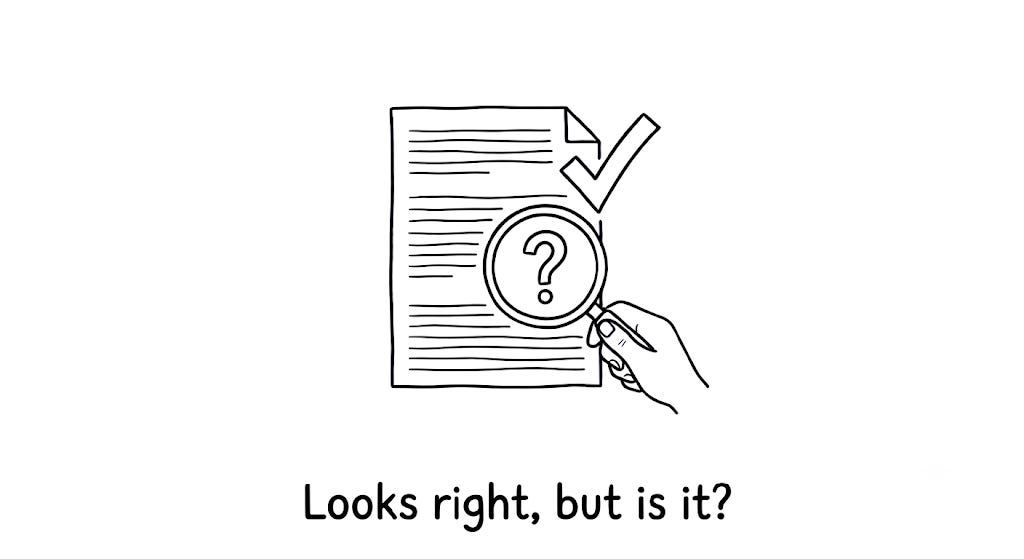
Checking everything defeats the purpose of using AI. Checking nothing is how mistakes slip through.
The skill is knowing where to spend your attention. Verify harder when the answer involves:
Specific numbers, limits, or prices. They’re easy to get slightly wrong and they change often.
Recent events or current facts. The tool’s information may be out of date.
Named features, settings, or sources. AI can describe things that don’t exist with complete confidence.
Your own organization. It only knows what you told it.
A decision that’s hard to reverse. The cost of being wrong is higher.
You can relax when the task is low-stakes and easy to undo, when you’ll see the result immediately (code either runs or it doesn’t), or when you’re using AI to brainstorm rather than to decide.
One habit covers most cases: before acting, find the single claim that, if false, would make the whole recommendation wrong. Check that one.
Five prompts that make AI check its own work
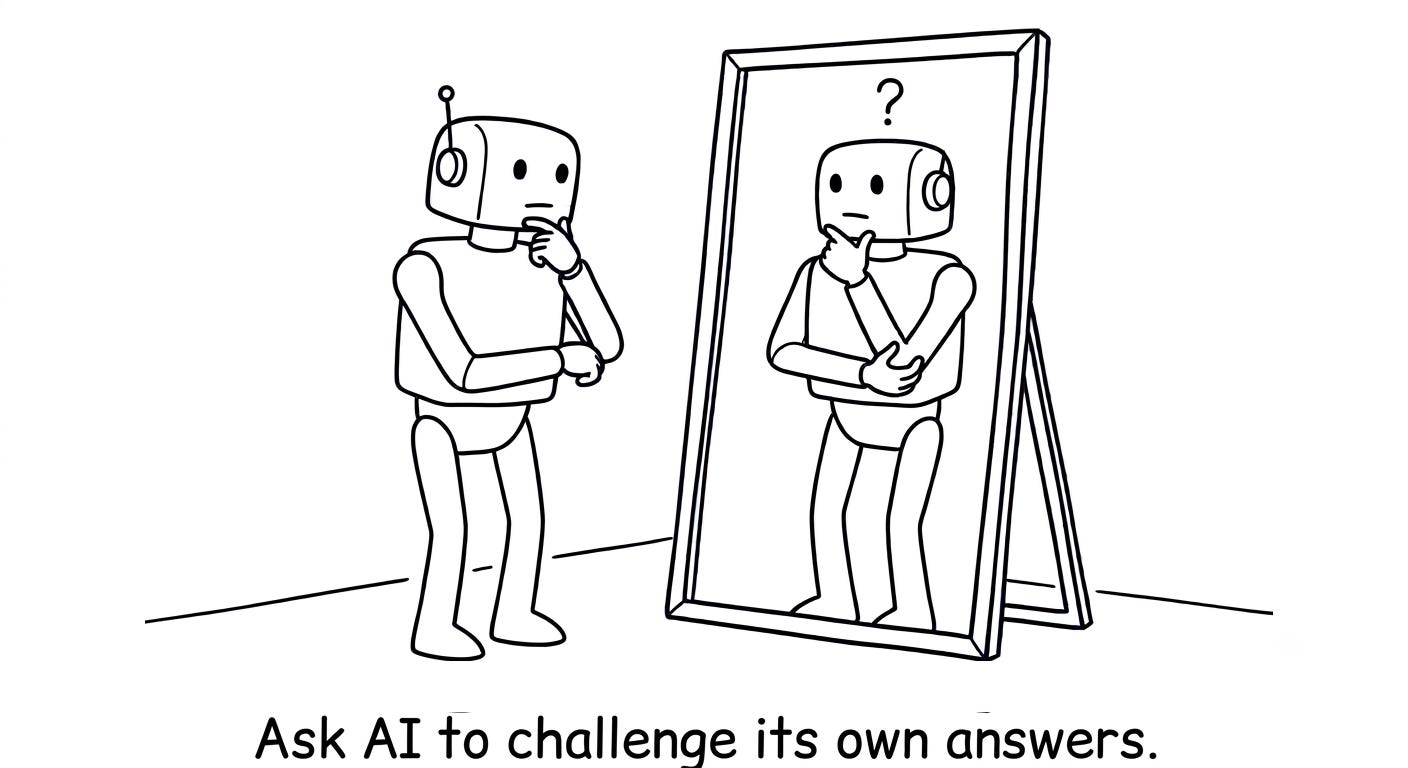
AI tools can reinforce the assumptions and framing built into your questions. You can counter that with questions that force the tool to expose weaknesses. These work in any assistant:
“List the assumptions behind this recommendation.” Then decide which ones are true for you.
“What would make this answer wrong?” This surfaces the risks the first answer glossed over.
“Make the strongest case for the opposite choice.” If your preferred option survives, you can proceed with more confidence.
“What information would change your answer?” This tells you what to go and find out.
“Which parts of this are you least certain about?” Treat the reply as a pointer to where you should check, not as a reliable confidence score.
A worked example
Here’s a hypothetical scenario that brings these together.
A team lead is deciding whether to replace a self-hosted job scheduler with a managed cloud service. Two other teams depend on it. Her AI assistant recommends migrating: less maintenance, built-in monitoring, easier scaling.
Question the answer. She asks it to list its assumptions. One stands out: that existing jobs use only standard scheduling features. She asks what would make the recommendation wrong, and the tool notes that custom scheduling logic may not be supported.
Check what matters. That’s the claim the decision depends on, so she asks the two dependent teams directly. One of them has three jobs with exactly that kind of custom logic. She also checks the provider’s current pricing page, since cost figures from the AI could be out of date.
Add context. She knows something the tool doesn’t: her team is short-staffed this quarter, so less maintenance work has real value right now.
Decide. Migrate everything except the three custom jobs now, and revisit those next quarter. That option was never on the AI’s list. It’s the “smaller version” from the traps above, and it came from her, not the tool.
AI did most of the research. The decision came from a few minutes of questioning, one conversation, and context only she had.
Four traps to watch for
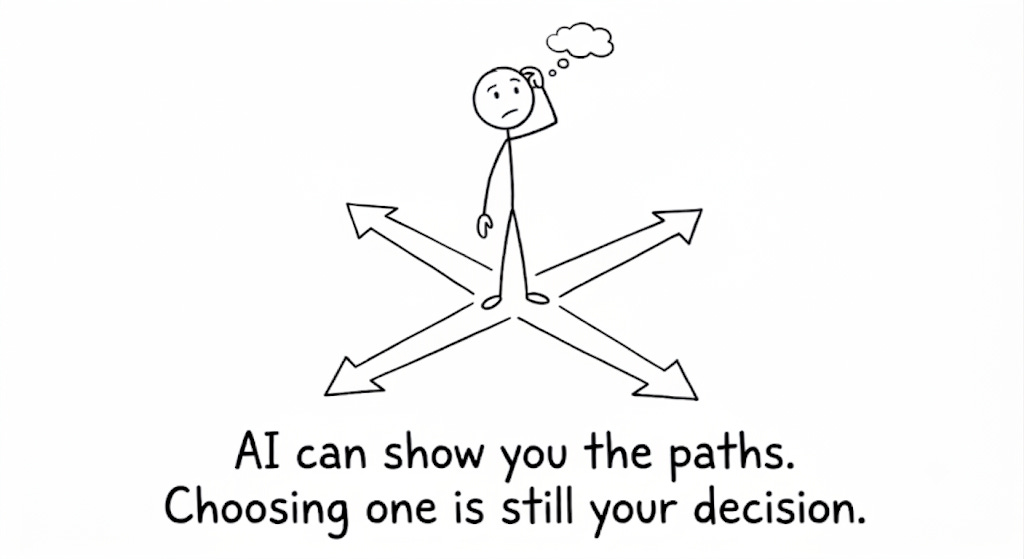
Checking the answer is half the job. Even with good information, decisions go wrong in a few predictable ways when AI is involve.
Good decisions don’t always come from having the most information. They come from identifying what matters, understanding the trade-offs, and knowing when you have enough evidence to act.
Deciding by default. The first recommendation arrives, sounds reasonable, and quietly becomes the decision. The fix: if your final choice is exactly what the tool suggested first, check whether you actually weighed anything.
Letting AI set the menu. AI chooses among the options it was given or generated. The best option may not be on the list, such as doing nothing, doing half now, or running a small trial first. The fix: always add “do nothing” and “a smaller version” to the options before comparing.
Endless analysis. Because more analysis is free, it’s tempting to keep asking for one more comparison. At some point, gathering information becomes a way to avoid committing. The fix: set a decision date before you start researching.
Borrowed confidence. A decision feels safer because the AI agreed. But AI tools tend to go along with the framing you give them. The fix: ask for the strongest case against your preferred option before you commit.
Make the call, then write it down
Not every decision deserves the same effort. The most useful question is how easy it would be to reverse. If a decision is cheap to undo, decide quickly and learn from the result. If it’s expensive to undo, invest more time in checking, gathering input, and evaluating the options. AI can help with either kind, but recognizing which one you’re facing is your job.
For decisions that matter, keep a short note:
Decision: what you were deciding, in one sentence
Choice: the option you picked
Why: the main reason
Key assumption: what must hold true
Revisit if: the signal that would make you reconsider
It takes two minutes and makes your reasoning easy to share. If the decision goes badly, it shows you which assumption broke, so you learn something instead of guessing.
Applying the same skills beyond work
This can be applied to personal decisions. For example, if you’re faced with two job offers and decide to use AI to help you choose between them, it can quickly lay out the differences in salary, career progression, and commute. However, it will not know how much you would value working with certain people, what your family require at the moment or how you felt about meeting the manager.
By asking what assumptions have been made, looking at key facts within the offer letters and using your own priorities.
You are applying the same skill whether the decision is personal or professional. Using data to guide your decision.
Why this matters for your career
As more and more of the implementation is done by AI, you will be doing more of the critical thinking to decide what problems to solve, what compromises to make and what to say no to.
The ability is also demonstrated in interviews. Interviewers often like to ask tricky questions about decisions you’ve made. They want to know how you have approached the problem, what options have you considered, how you have weighed up the compromises and why you decided to take a certain approach.
Most scenario based interview questions and job simulations revolve around these scenarios. If you keep notes about your decisions then you already have the information ready to explain how you think, analyze and decide.
Start this week
Choose one decision to work with. Use two of the prompts above to confirm the 1 main fact. Write your 5 line note. Notice that you feel much more positive towards your decision when you can clearly explain why you made it.
See you next Thursday,
Prasad Rao
Hey, Prasad here. I’m the voice behind the weekly newsletter Big Tech Careers. I share practical strategies for Big Tech interviews, behavioral storytelling, technical careers, and professional growth every Thursday.
New to Big Tech Careers? Subscribe to join a tribe of 37k+ and level up alongside engineers and architects.